MoonStat for Mac

More productive.
Let your machine work while you move.

A quiet desktop for time, weather, moon, notes, system health, and more. Completely free, account-free, and license-free.

Free foreverNo accountNo license key
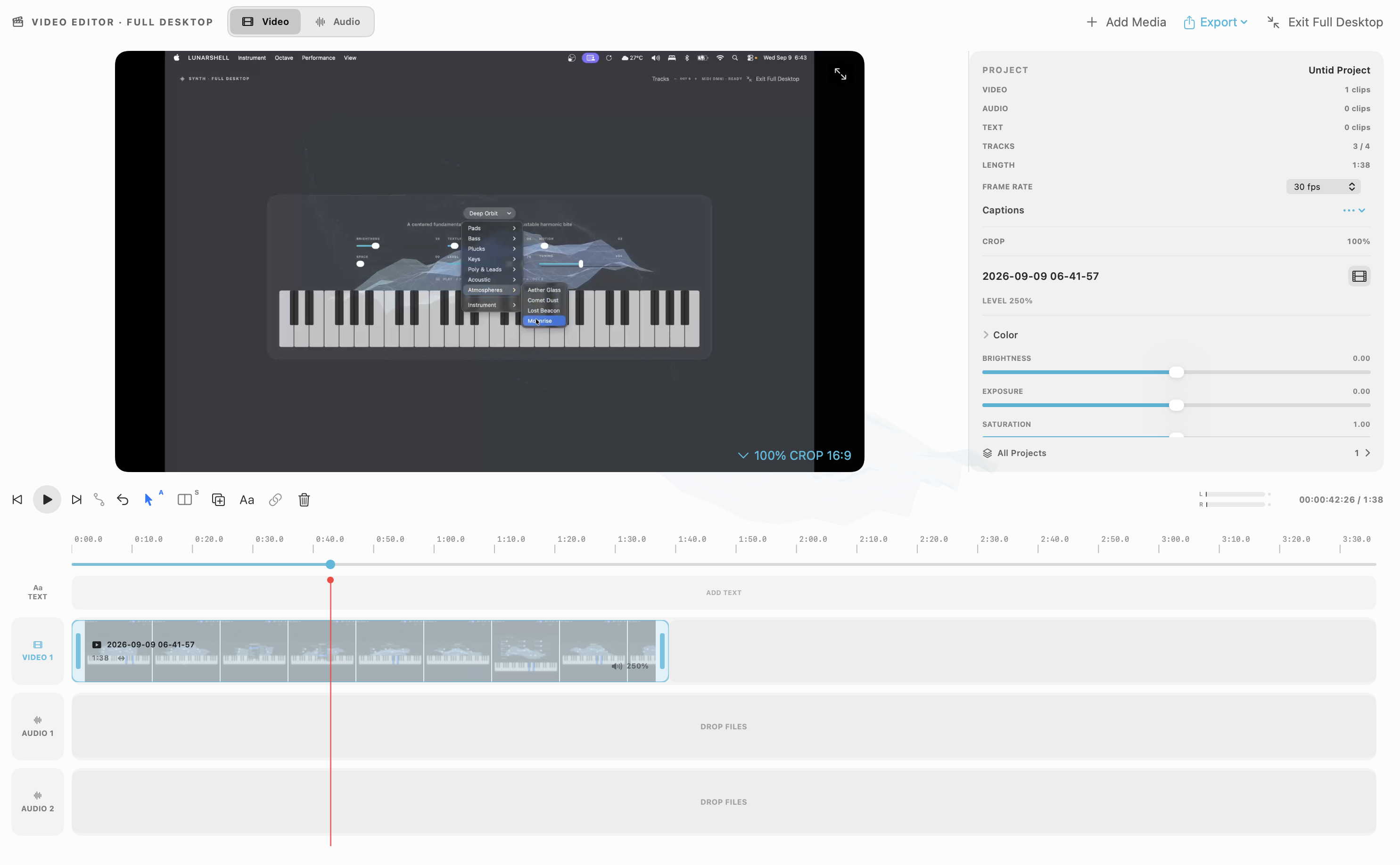
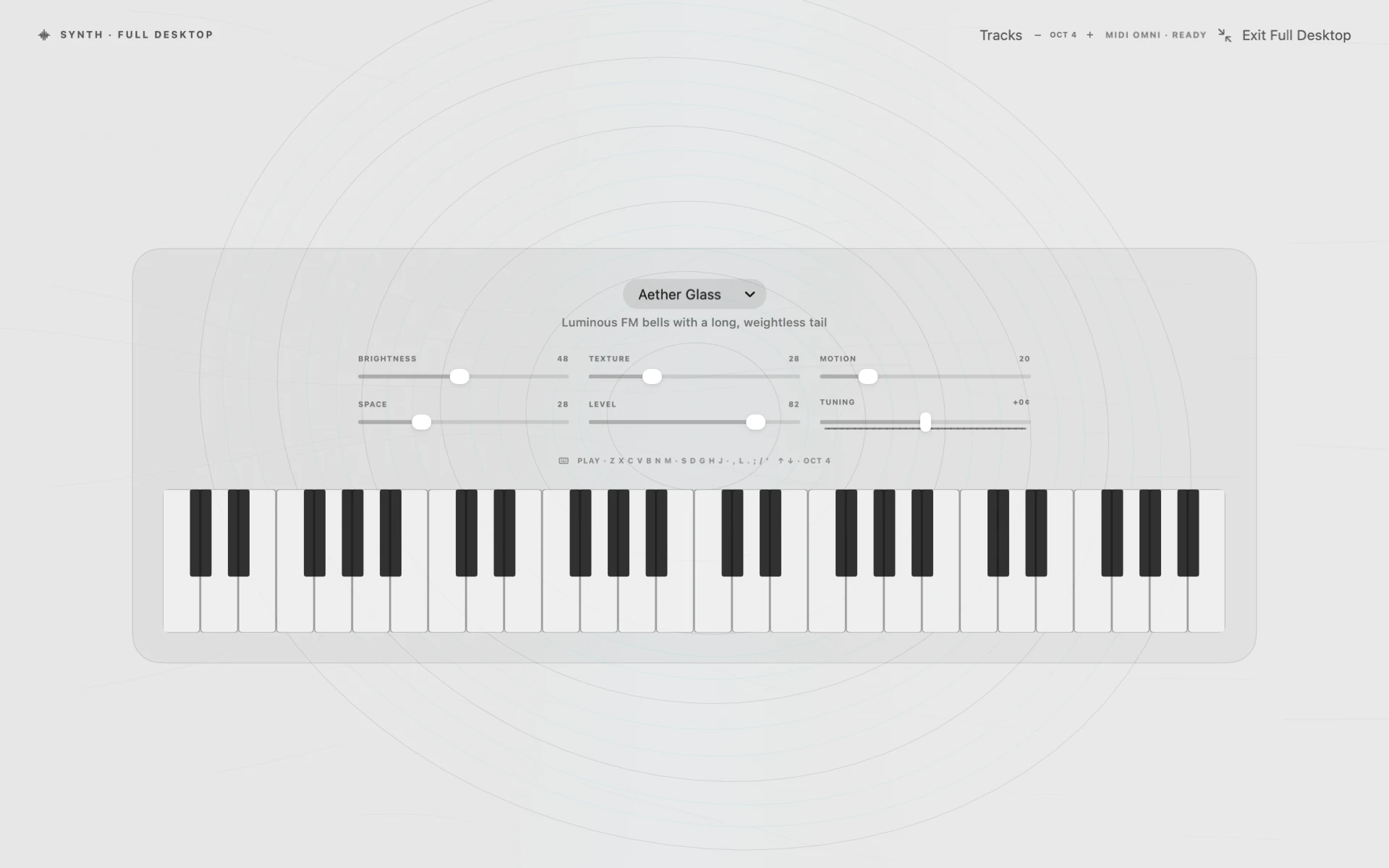
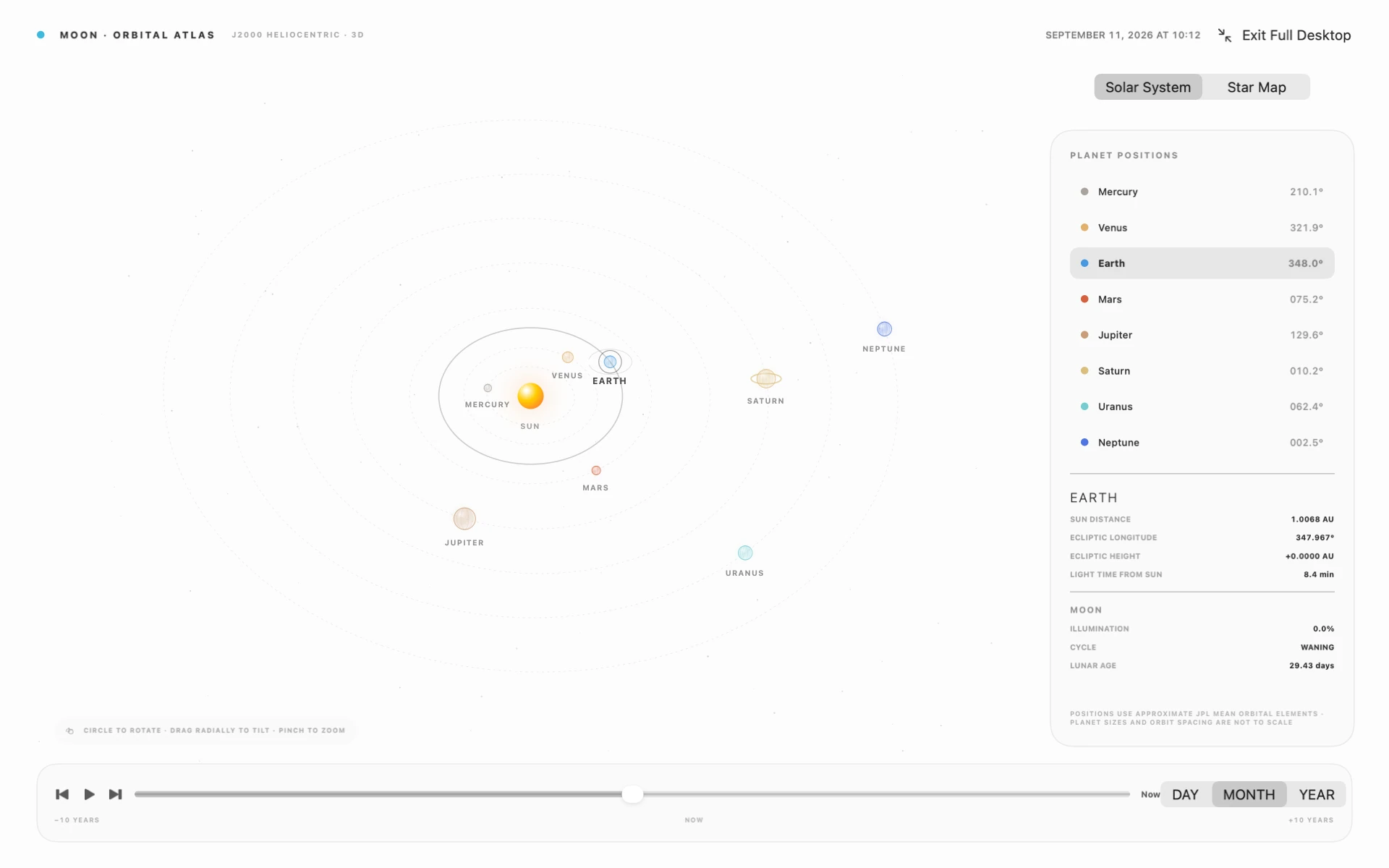
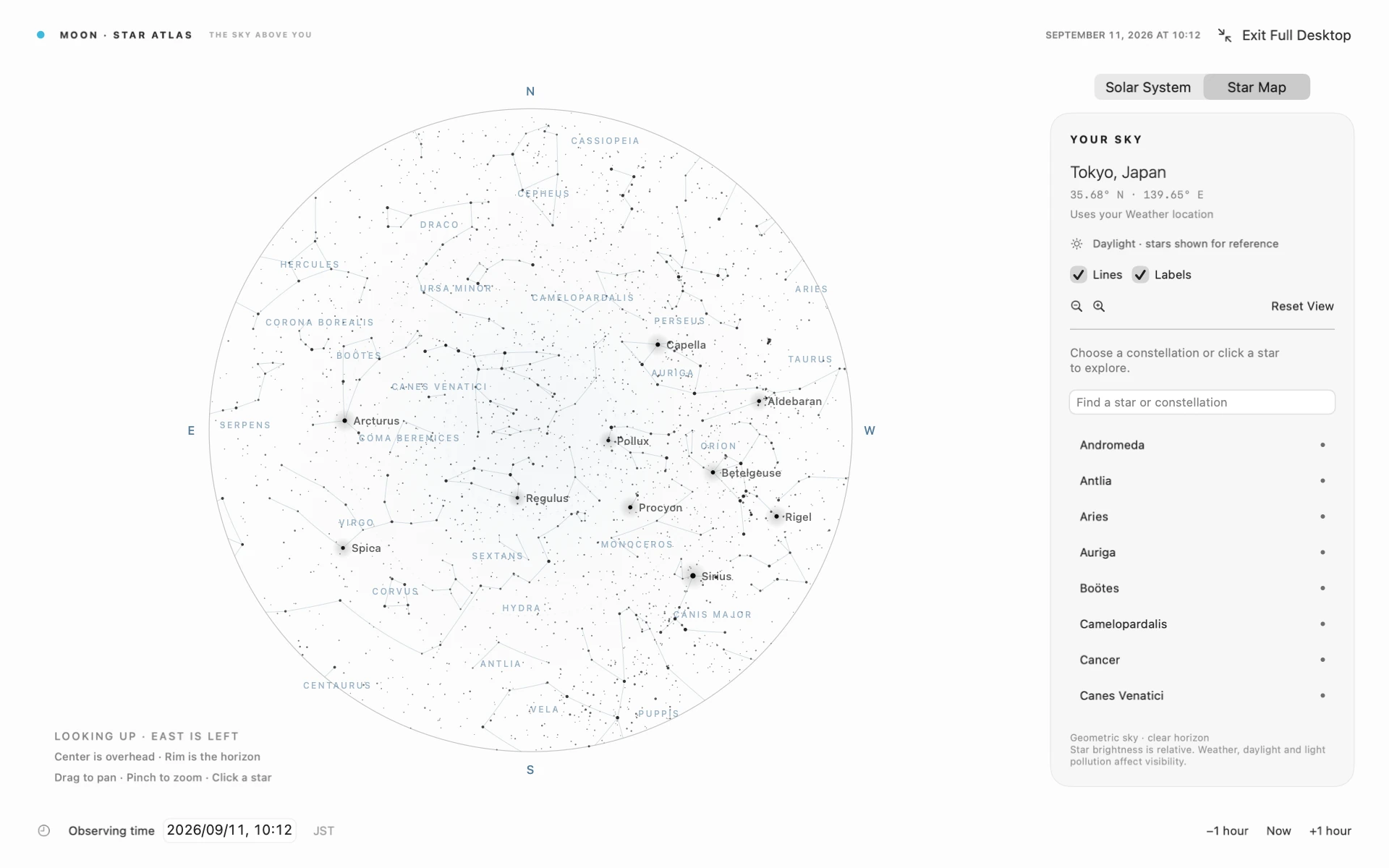
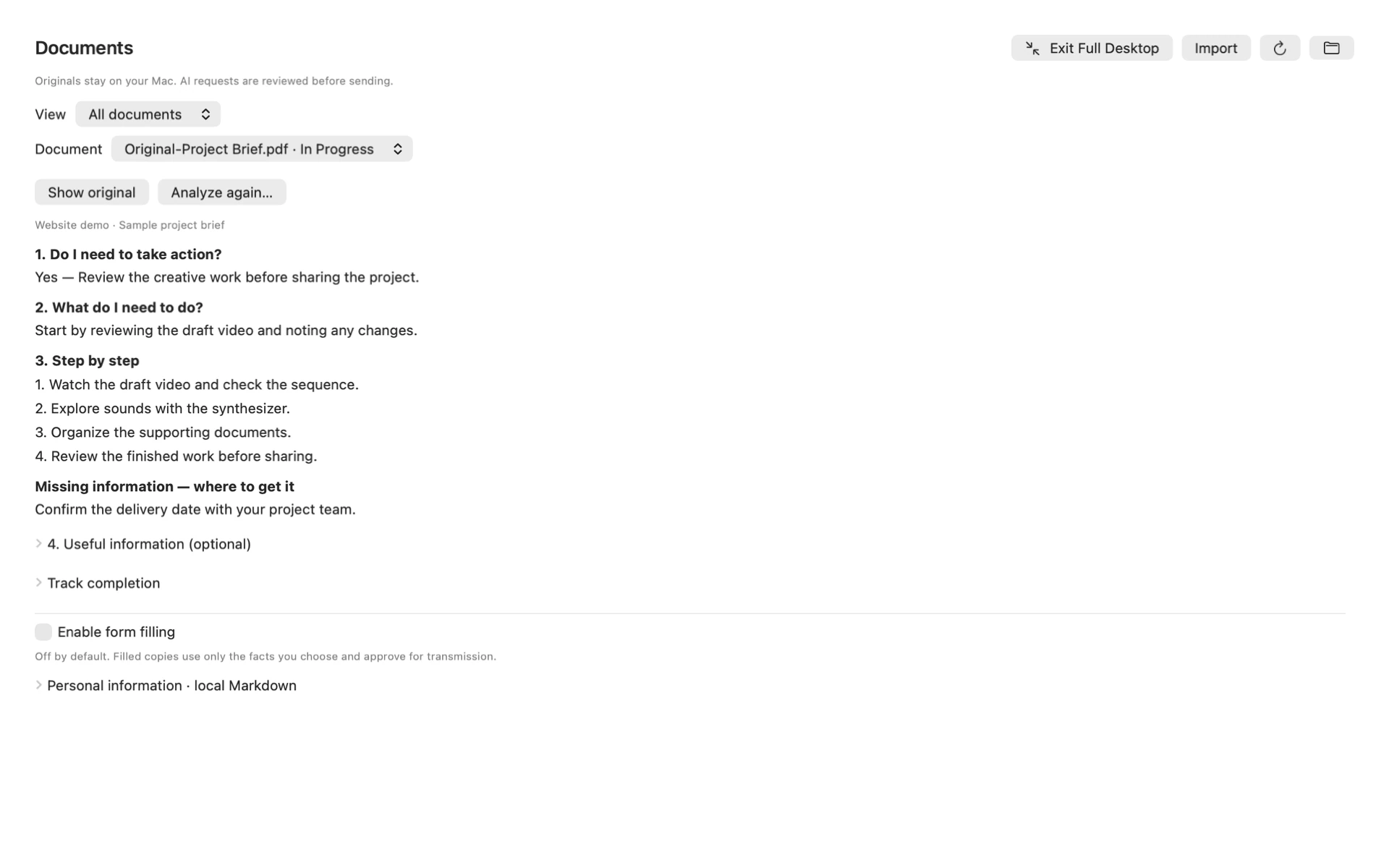
MoonStat running across a Mac desktop with time, moon, calendar, vocabulary, system, weather, notes, and AI modules

Moon Backpack · Designed in Tokyo

Cooling that
travels with you.

The ultralight Tyvek and ripstop nylon backpack with two integrated fans for active laptop airflow.

Explore Moon Backpack
White Moon Backpack with two active-cooling fans
Airflowactive fans

A dual-fan ventilation path moves air through the laptop compartment while the system is running.

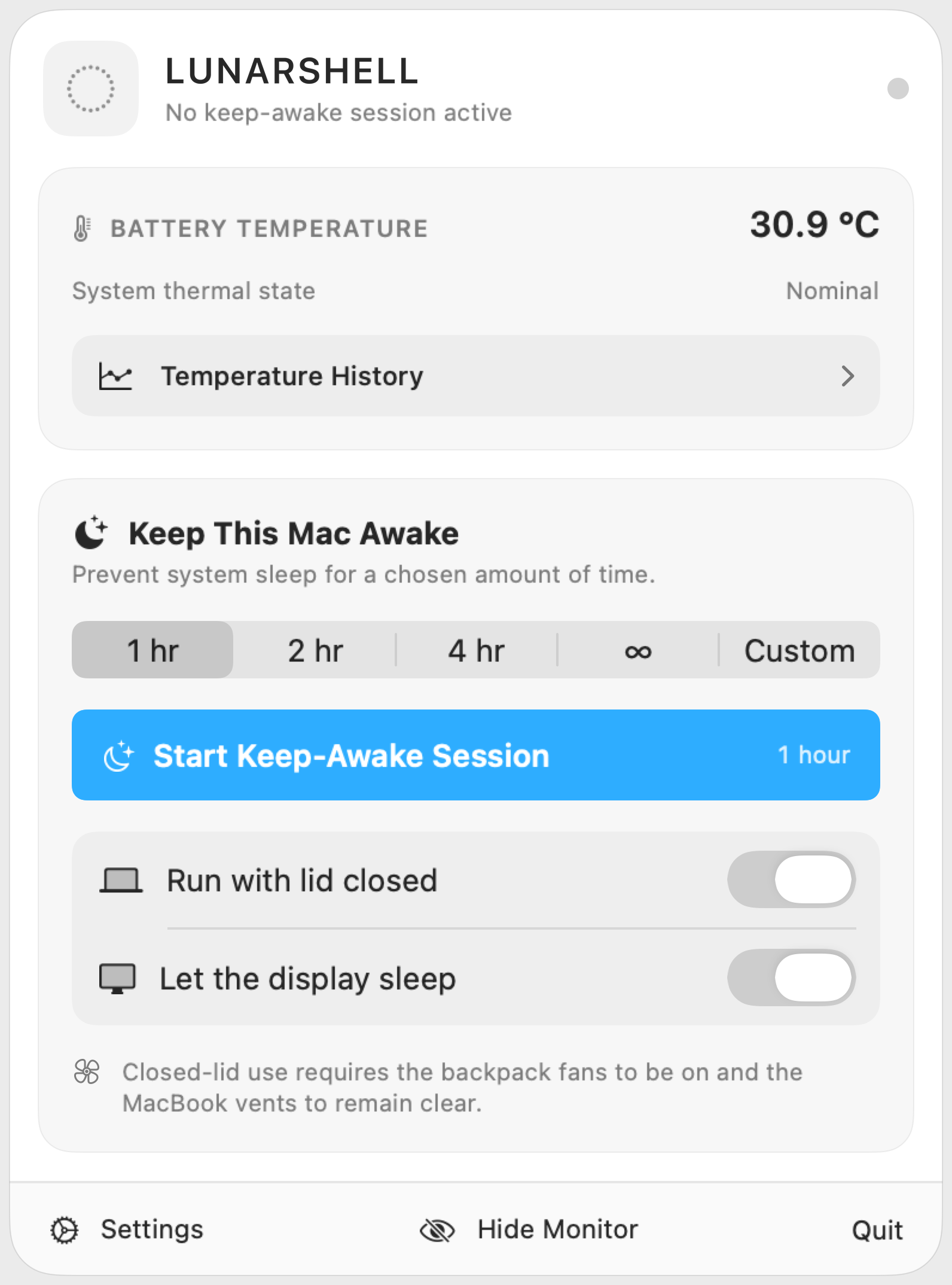
SessionKeep awakeoptional closed-lid mode

MoonStat holds a macOS power assertion, with separate controls for display sleep and closed-lid work.

Sampling60 seclocal thermal history

Battery-sensor temperature and Apple’s system thermal state are recorded locally once per minute.

Safety cutoff45°Cadjustable default

The session can stop at the configured battery-temperature limit or a serious or critical thermal state.

OuterTyvekultralight shell

A compact, low-mass exterior gives the bag its paper-like texture and distinctive technical profile.

CoreRipstopnylon reinforcement

A reinforced grid-weave structure supports the high-use areas without turning the bag into a heavy case.

Background work · Active airflow

Pack up before it's finished.

Don't wait for an upload, render, export, or agent task to complete. Start a MoonStat session, switch on both backpack fans, and move while the Mac continues working in the background—awake, ventilated, and thermally supervised.

01 / RunKeep the workload alive.

A macOS power assertion prevents system sleep. Display sleep and closed-lid operation remain separate, explicit controls.

02 / MoveCarry active airflow.

Two integrated fans ventilate the laptop compartment while Tyvek and ripstop nylon keep the carry system compact and light.

03 / ProtectWatch the thermal state.

MoonStat records the battery sensor and Apple thermal state locally, then ends the session at the configured safety limit.

Sensor note · MoonStat reads the MacBook battery sensor and Apple's qualitative system thermal state—not CPU-core temperature. Both fans must be running and all MacBook vents must remain unobstructed during closed-lid use.

One calm system for the Mac you work on and the life you carry it through.